A QR code seating chart: guests type their name and find their seat
Instead of a big board with 150 names and a line in front of it, one sign with a QR code stands at the entrance. Guests scan it with their phone, type their name and instantly see their table, who they sit with and where the table is in the room.
Type a name, say “Miller”
The phone on the right is the real page, with an invented room of twelve tables. Type a last name, pick a person and open the floor plan: the table is highlighted and the chair is marked.
- Results appear as the guest types
- Everyone at the table, in seating order
- A floor plan with the dance floor, bar and entrance
- Menu, order of the evening and album on the same code
What changes at the entrance
A printed seating chart works until something changes. At a wedding, something always changes.
| Printed board with names | QR seating chartin the Luxury plan | |
|---|---|---|
| The line at the entrance | Everyone hunts for their name on the same board | Everyone looks on their own phone |
| Where is my table? | A table number, then a search of the room | A floor plan with your table and your chair |
| Who am I sitting with? | Read down the list | Everyone at your table, right away |
| Someone cancels that morning | Cross them out or reprint | Move them on your phone, guests see it at once |
| Menu and order of the evening | Separate cards on every table | On the same code, with the photo album |
| Printing | A big board with every name in small type | One sign with a code, printed once |
Everything guests usually ask the wedding party
My seat
Results appear as the guest types. A last name is enough, accents optional.
The floor plan
The table is highlighted and the chair marked “You are here”. The dance floor, bar and entrance are where they really are.
Menu and schedule
What is being served, and when the first dance, the cake cutting and the send-off happen.
Photo album
From the same code, guests add their photos to your shared album.
The sign is ready in one click
With your names and date, in one of four styles: olive, black and gold, blush and midnight. The page your guests see takes the same style.
- Entrance sign: a print-ready PDF at 11×17 in or A3, enlarges to 24×36 in
- A Letter or A4 sign for a frame on an easel
- Table cards: four to a sheet, ready to cut
- Just the QR code (PNG or SVG) if your designer makes the sign
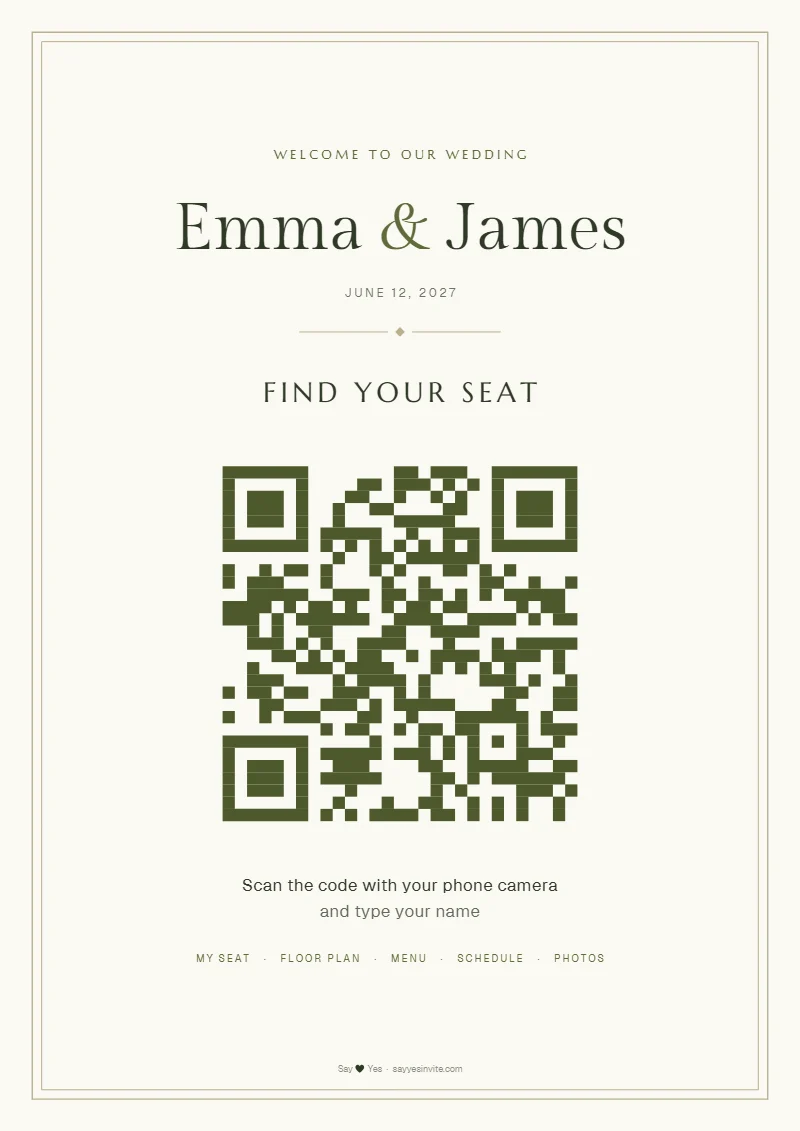
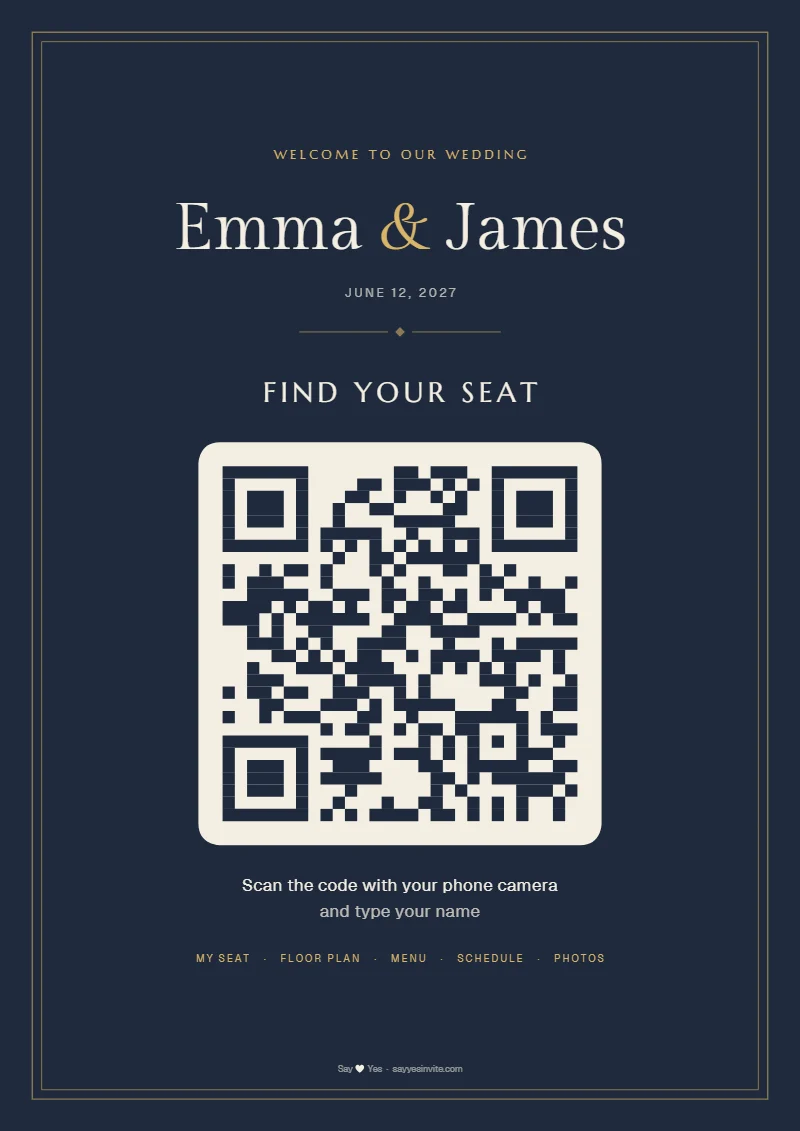
From the planner to the sign in three steps
Arrange the plan in the planner
Place the tables as they stand in the room and give every guest their own chair. When it is done, you lock the plan.
Download the sign and print it
A PDF in one of four styles, ready for a print shop or a home printer, in US or international sizes. Table cards come with it.
Guests scan and find their seat
With the phone camera, no app. They type a name and see the table, the company and where the table is in the room.
Before you print the sign
Do guests need to install an app?
No. A guest scans the code with the ordinary phone camera and the page opens in the browser. No sign-up and no download.
What about guests who do not use a smartphone?
For them the quickest way is to ask someone in the wedding party or the venue staff. From the floor planner you can also download a printed list by table, so the staff have it at the door.
What if someone cancels on the day?
Move them in the planner, from your phone if need be. The page behind the code always shows the current plan, so guests see the change on their next scan, with nothing to reprint.
Can strangers see our guests’ names?
The page is reached only through the QR code: the link is random, it is not the same as your invitation link, and search engines do not index it. If a photo of the sign ends up somewhere public, one click makes a new code and the old one stops working.
What size sign should we print?
On your dashboard you download a PDF in 11×17 in or US Letter (A3 or A4 outside the US), in one of four styles. It is vector, so a print shop can enlarge it to 18×24 or 24×36 in on foam board without losing sharpness. If your designer makes the sign, download just the QR code as a PNG or SVG.
Do we still need escort cards?
No. The QR sign does the job of escort cards and a seating chart board at once: each guest finds their own name and table. If you love the look of escort cards, keep them, and the QR sign becomes the backup that is always up to date.
What if our seating plan is not ready yet?
You can print the sign right away, the code does not change. Until you lock the plan, guests see a message that seating is coming on the wedding day, while the menu and the schedule are visible from the start.
Which plan is it in?
The Luxury plan, $149, paid once. Alongside the QR seating chart, Luxury carries the QR photo album and an invitation designed to your wishes. The floor planner itself, and the “Where am I sitting?” lookup on the invitation, are in every plan.
One sign, not a single lost name
The QR seating chart is part of the Luxury plan, $149. With it you get the QR photo album and an invitation designed to your wishes.
Create your invitation with Luxury →